Maintain a clear, timestamped record of jobsite conditions to support quality control, closeout, warranty review, and project risk management.
Recurring summaries of temperature, humidity, dust readings, exceptions, and trends from the live dashboard.
Dual temperature histories from each embedded sensor, organized by placement and pour.
Condition history and sensor locations that can be included with project turnover or warranty files.
Export project telemetry for owner requests, QA reviews, commissioning records, and internal archives.
Show owners, superintendents, and procurement teams exactly what FinishSure produces from the field data.
Weekly project documentation with monitored areas, environmental summary, sensor trend overview, exceptions, and recommendations.
A five-page placement report with core and surface temperatures, maturity factor, differential review, weather context, alerts, data quality, and detailed readings.
Turnover-ready documentation with executive snapshot, zone summaries, exception review, detailed trend charts, and sign-off page.
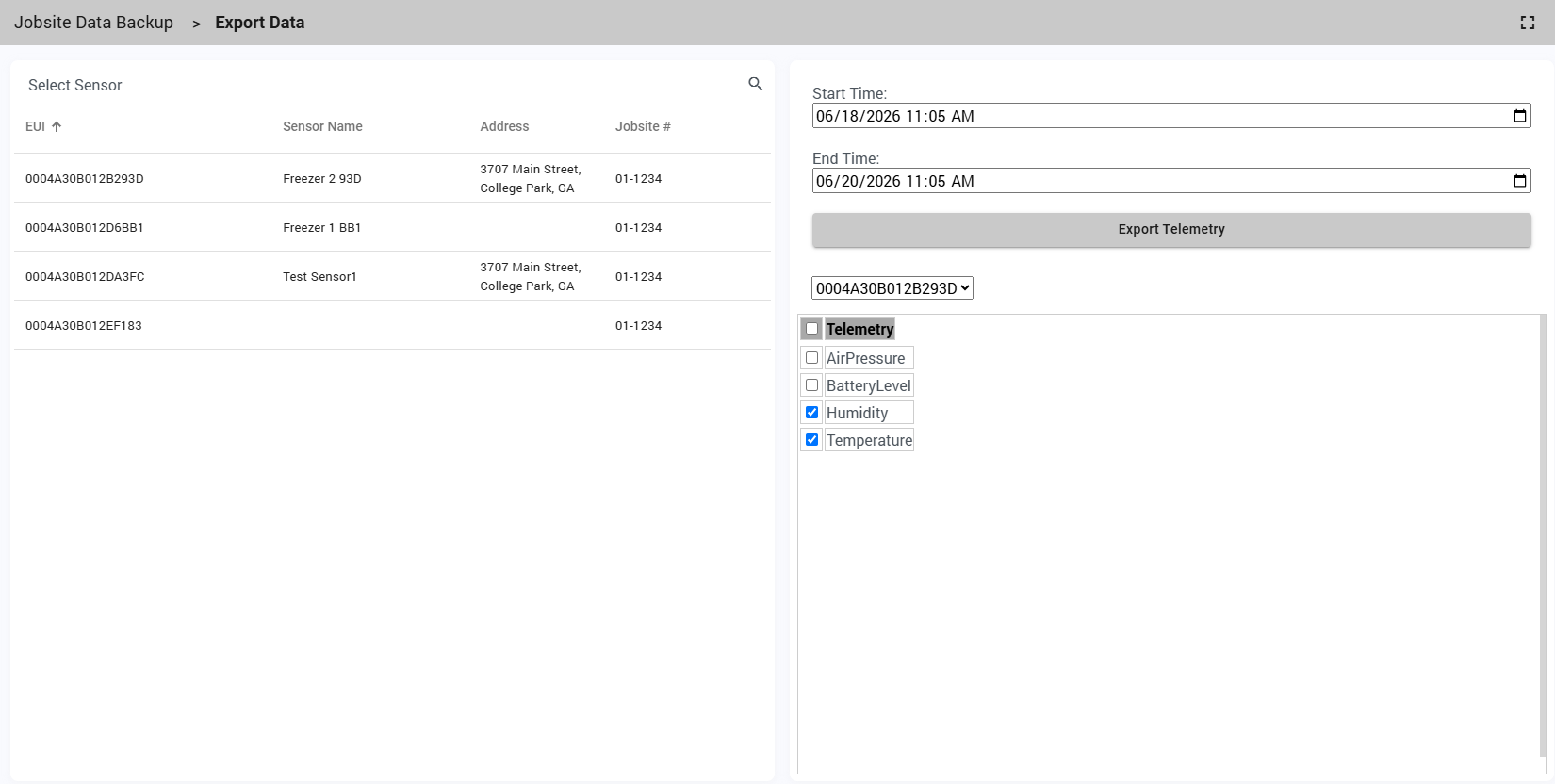
FinishSure gives authorized project users direct access to historical sensor data for documentation, troubleshooting, owner requests, commissioning reviews, and warranty investigations.
Place sensors in key finish areas and monitored zones.
Temperature, humidity, and other readings are logged automatically.
Use reports and exports to review project condition history.
Capture alerts and out-of-range readings when they occur.
Use the closeout pack for turnover and warranty records.
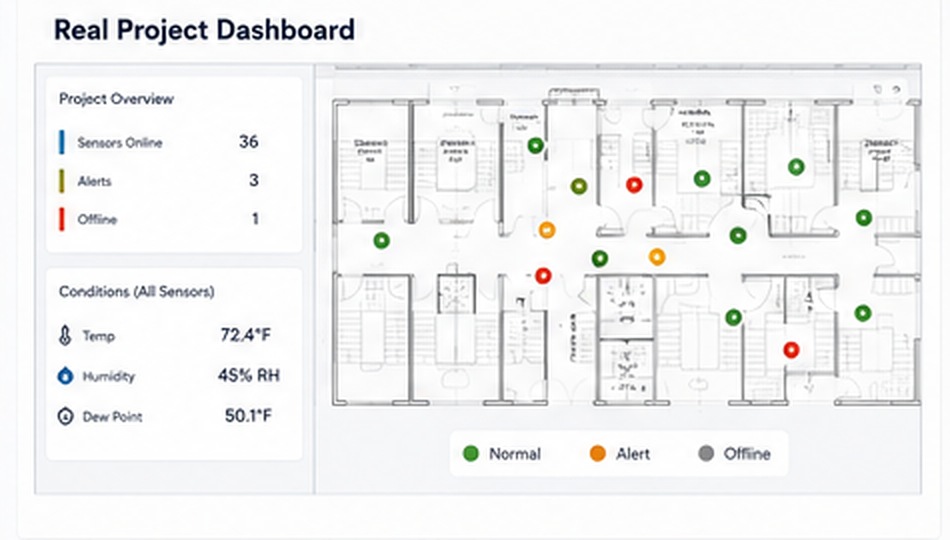
FinishSure combines trend history with floor-plan context so teams can connect a reading or alert to the monitored area. The same information supports project meetings, closeout, and warranty review.
Choose the monitoring you need and start collecting report-ready data.